Robot artist’s studio
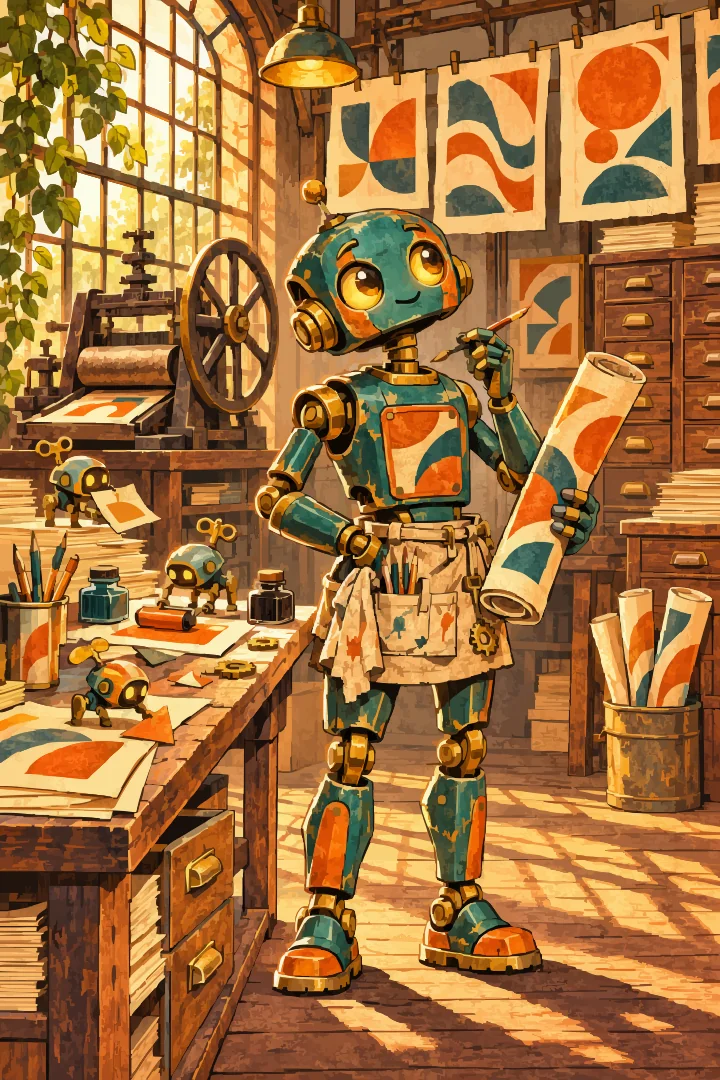
1,024 × 1,536 artboard
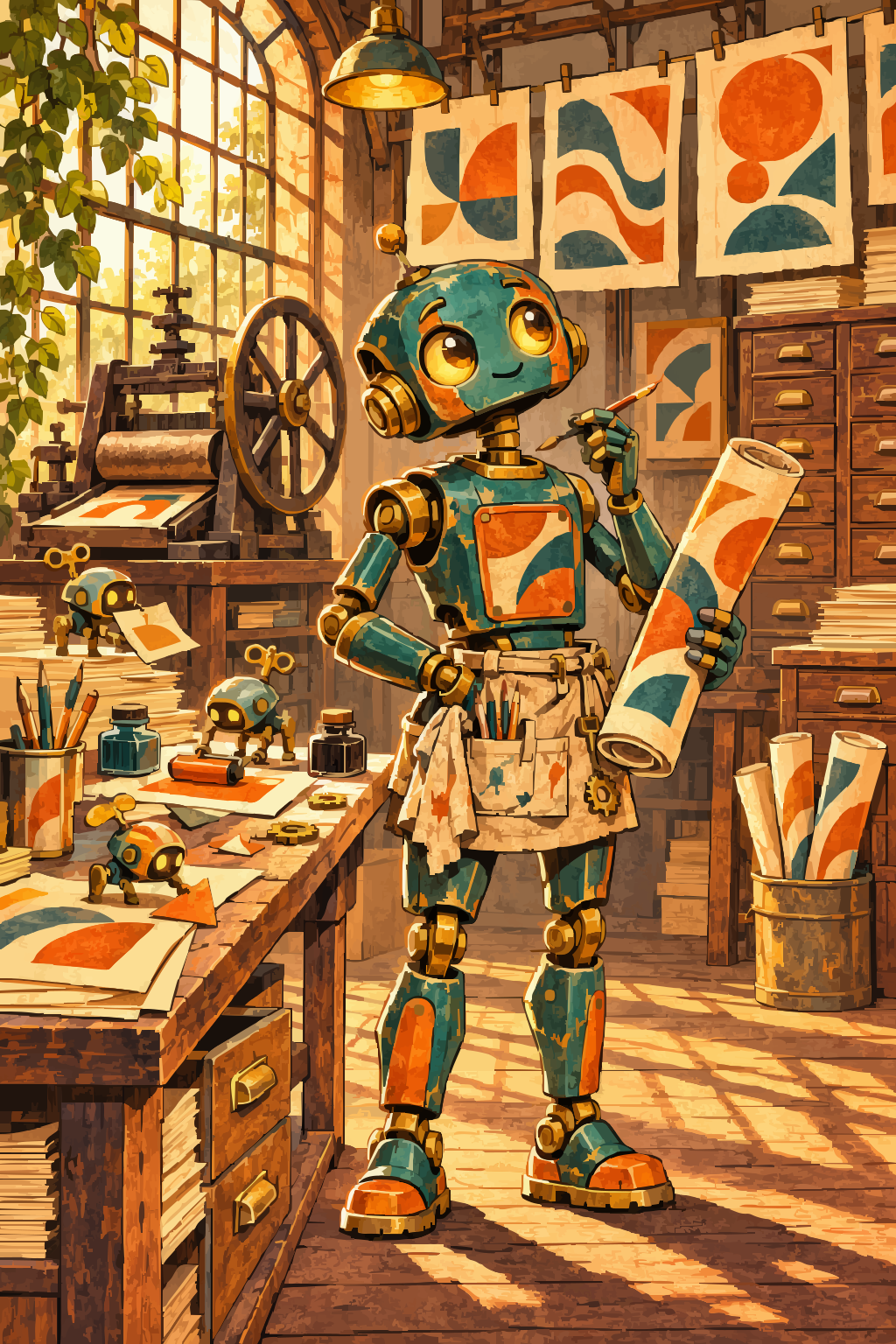
Original robot illustration generated for Magdobe.
AN ARTIST’S OWN TOOLS / BUILT BY MAGNUS
Draw, edit, and prepare your artwork for print.
A Mac illustration app for drawing, turning pictures into editable shapes, and preparing files for your printer.
Version 0.10.0 · Apple Silicon · macOS 14+
Developer ID signed and Apple-notarized. Free download. Optional AI services may charge for use.
WORKS WITH YOUR TOOLS
 OpenAI



OpenAI, Gemini and OpenRouter generate images. Claude is an optional prompt assistant. Codex sign-in and OpenAI-compatible image services are also supported.
INSIDE MAGDOBE
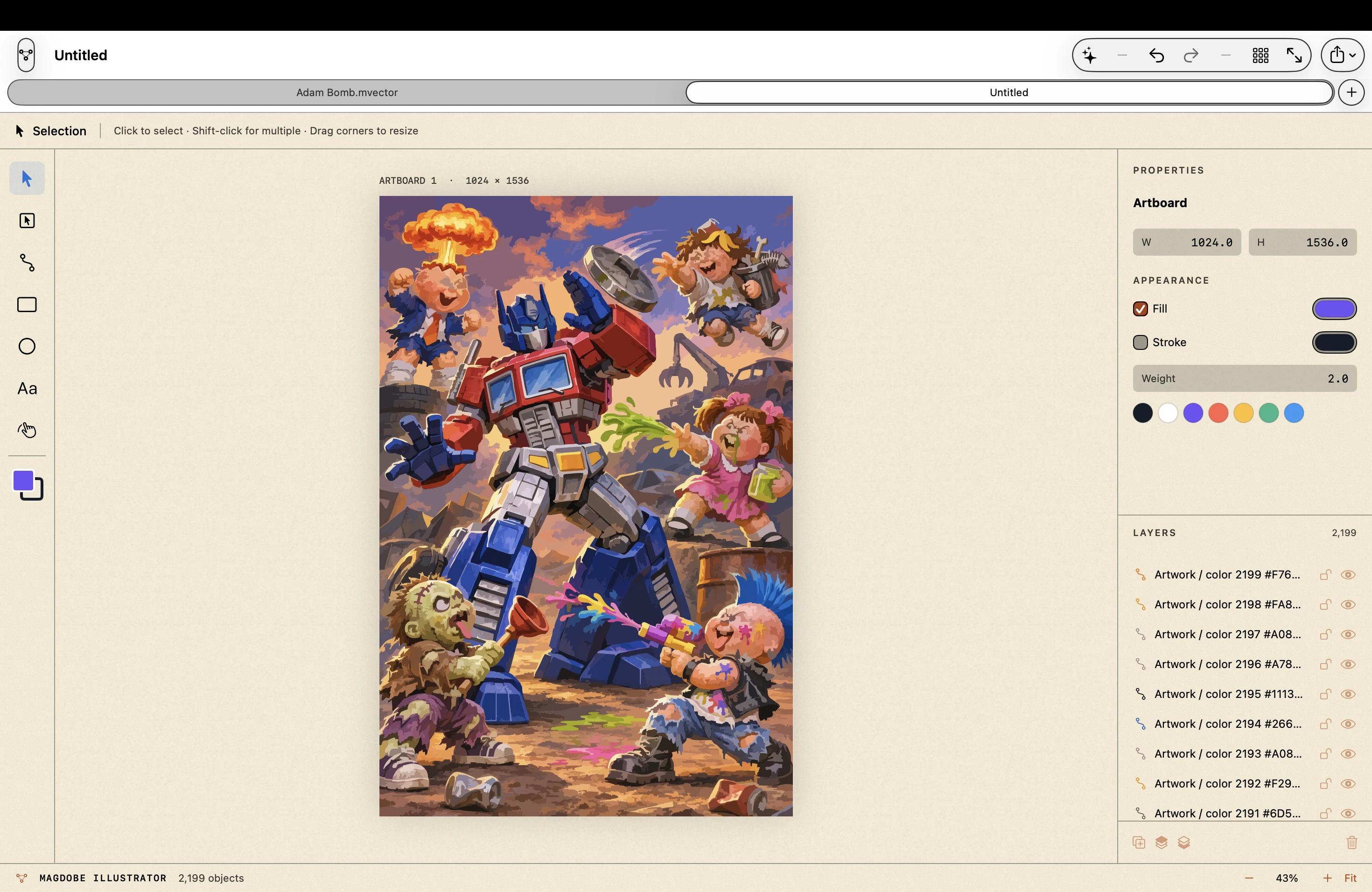 Inspect the workspace
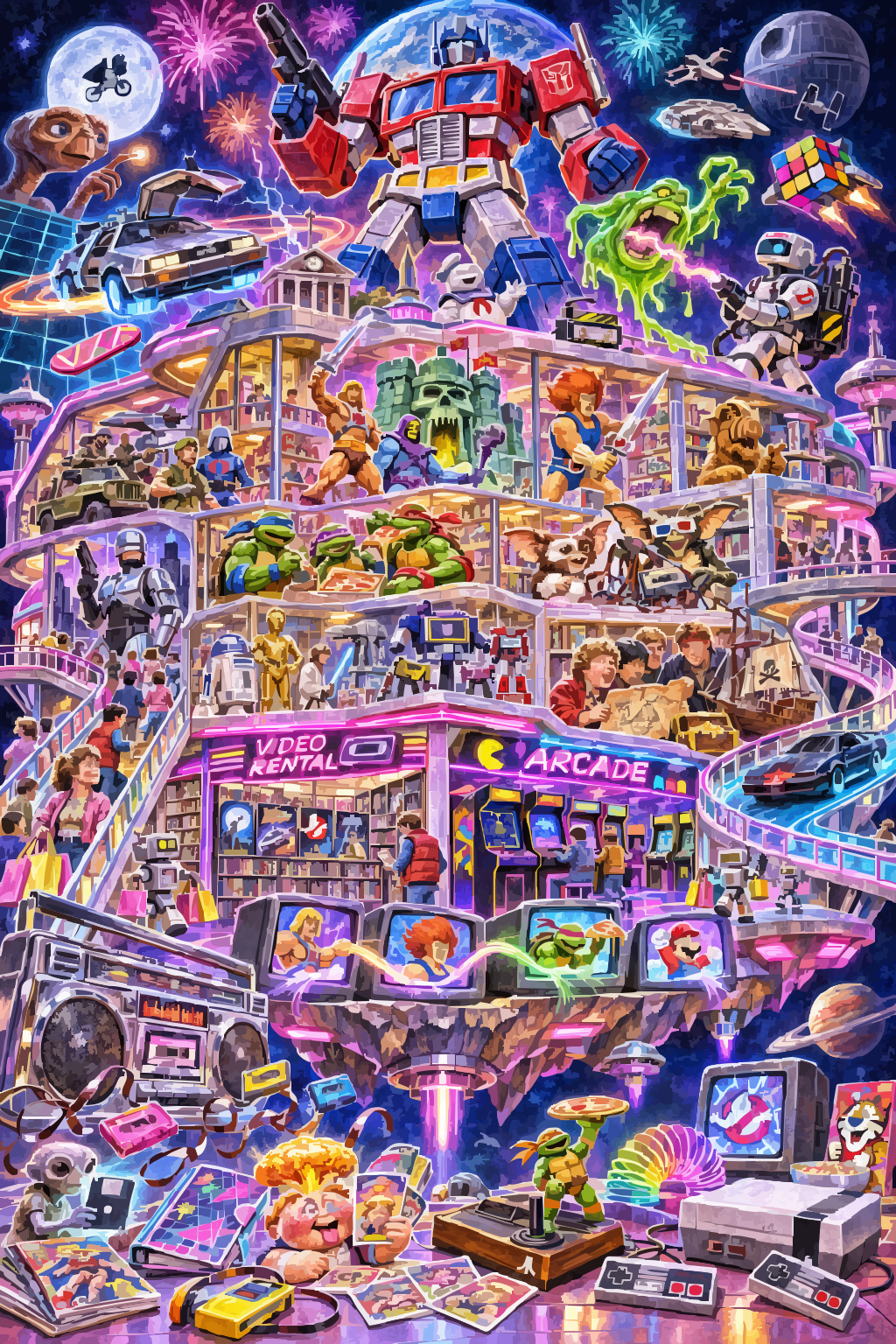
This development illustration was generated and converted into vectors through Codex and Magdobe. It is an unofficial character study, separate from my commissioned Topps artwork. The current app adds brushes, real groups and layers, direct saving, and the print tools below.
TRY THE ACTUAL FILES
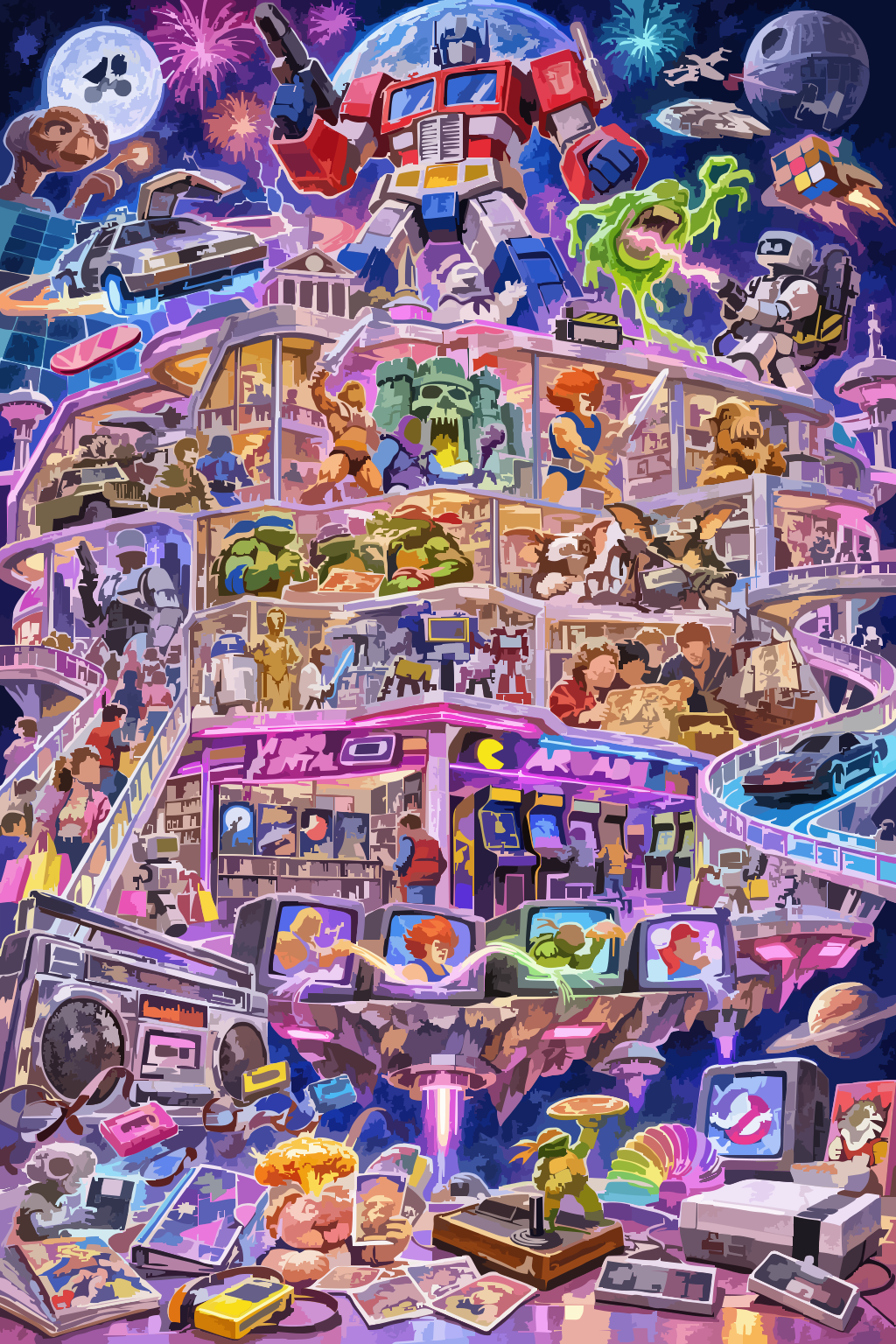
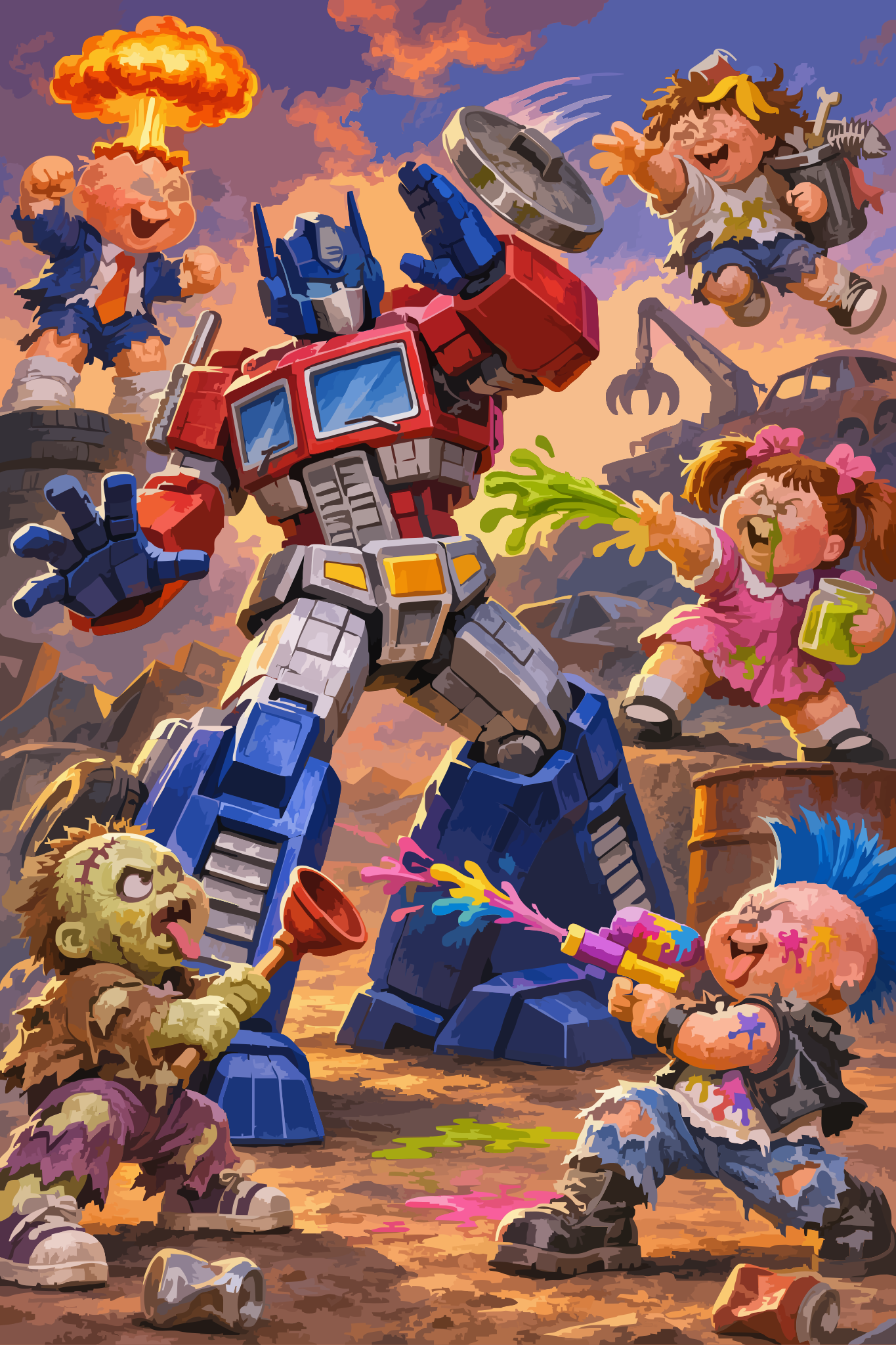
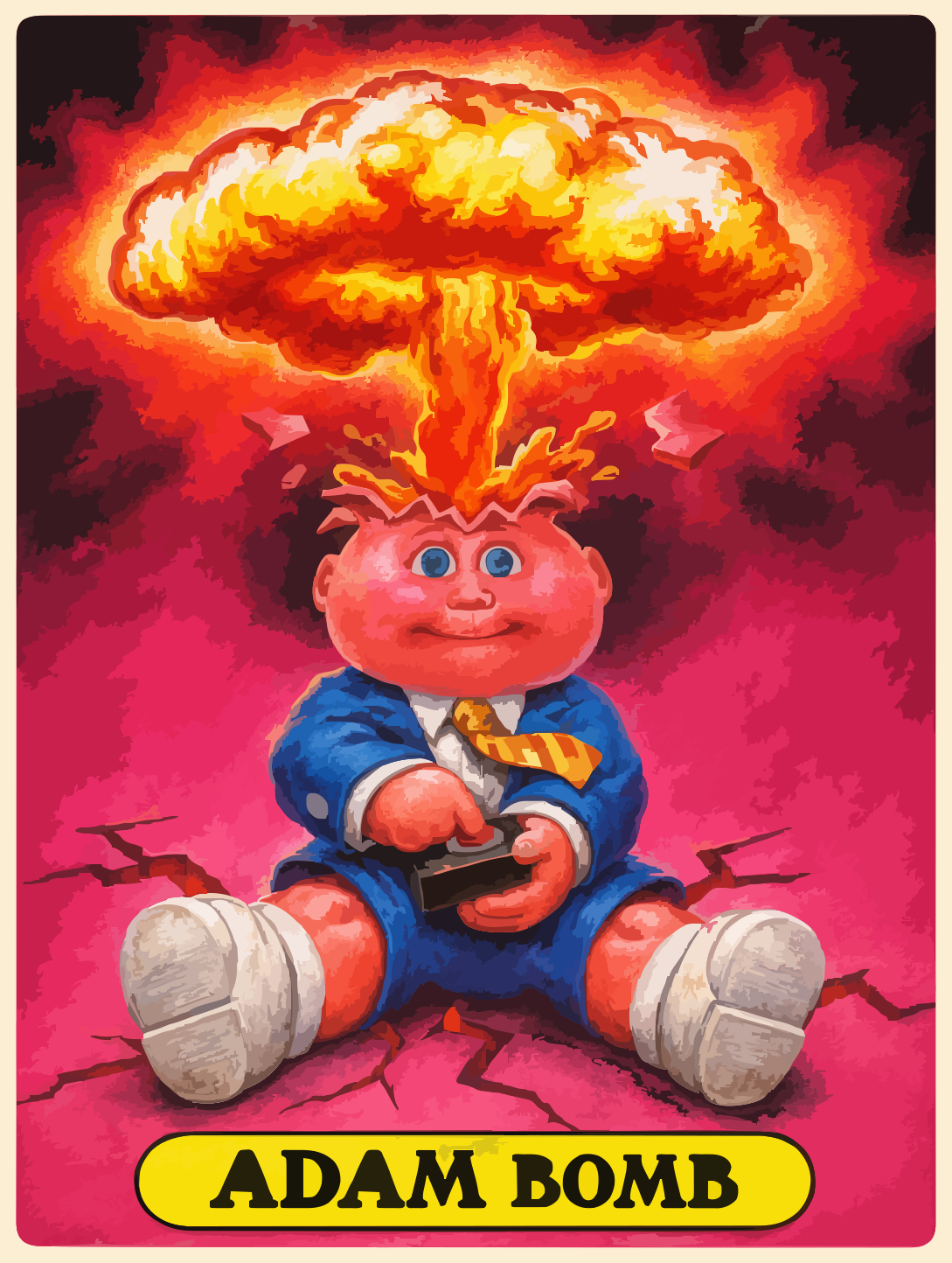
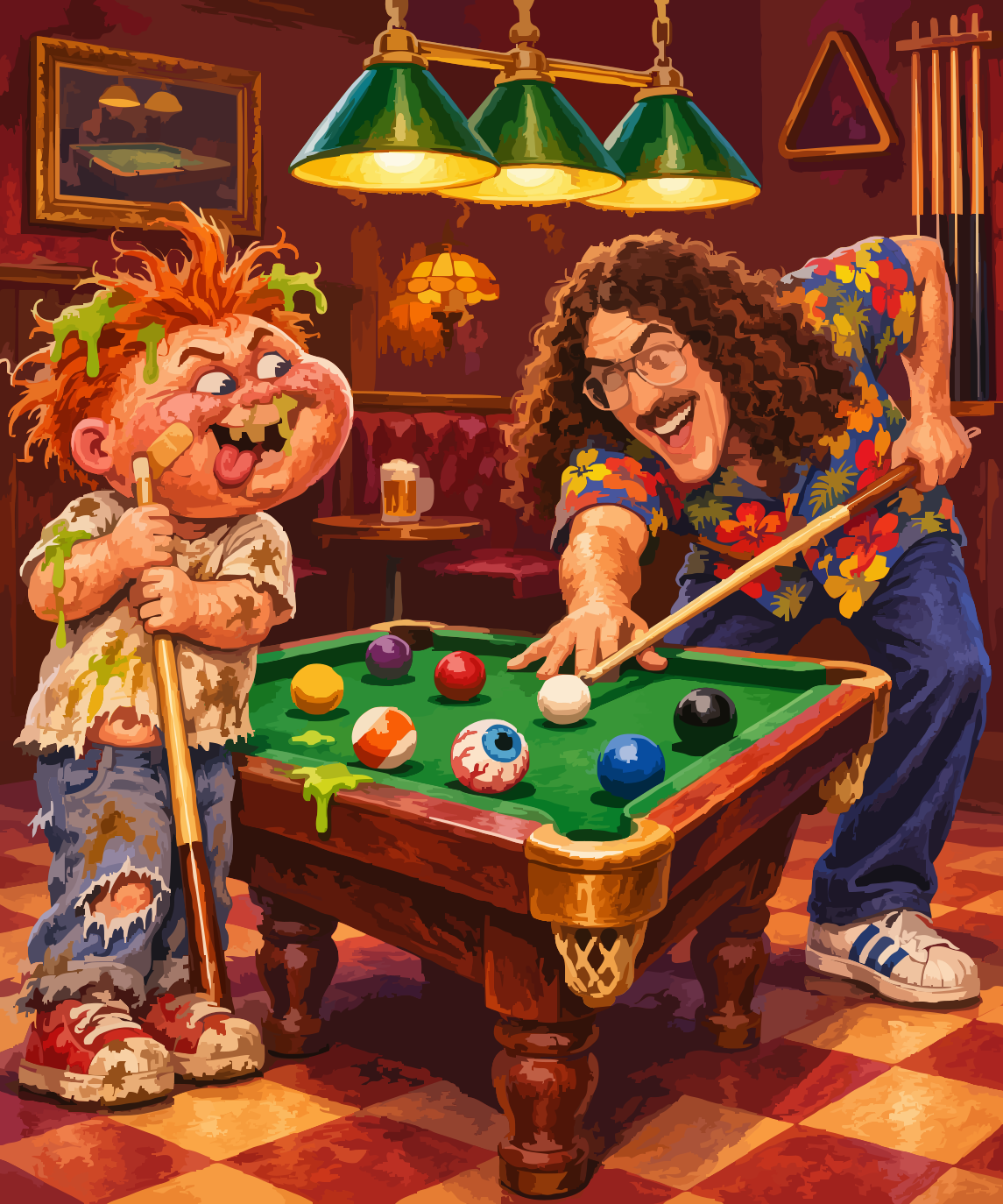
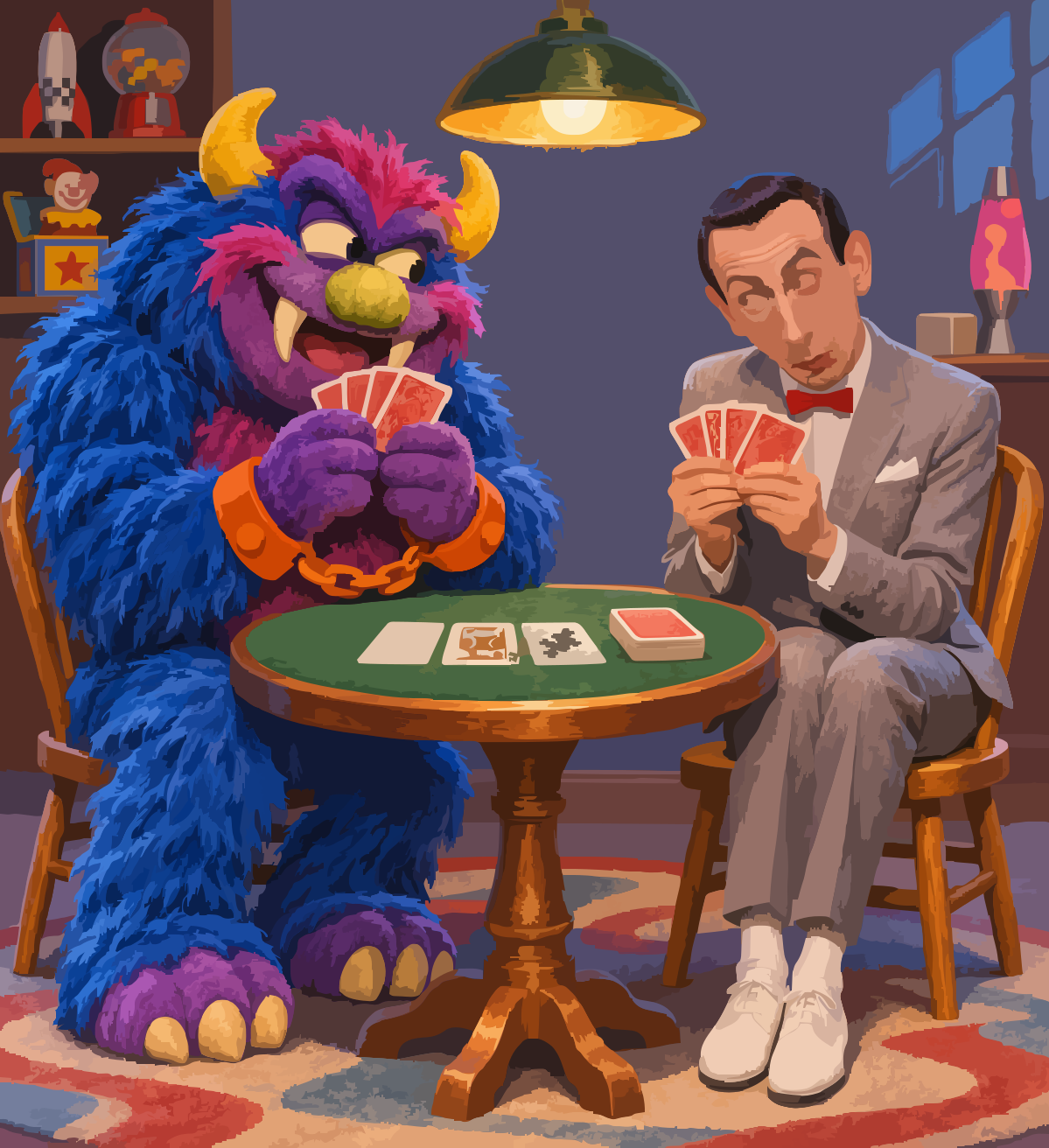
Six illustrations made during Magdobe’s development, with the editable paths intact. The toy-store artwork has three detail levels; Ultra keeps the most detail and is a larger download.
1,024 × 1,536 artboard
Original robot illustration generated for Magdobe.
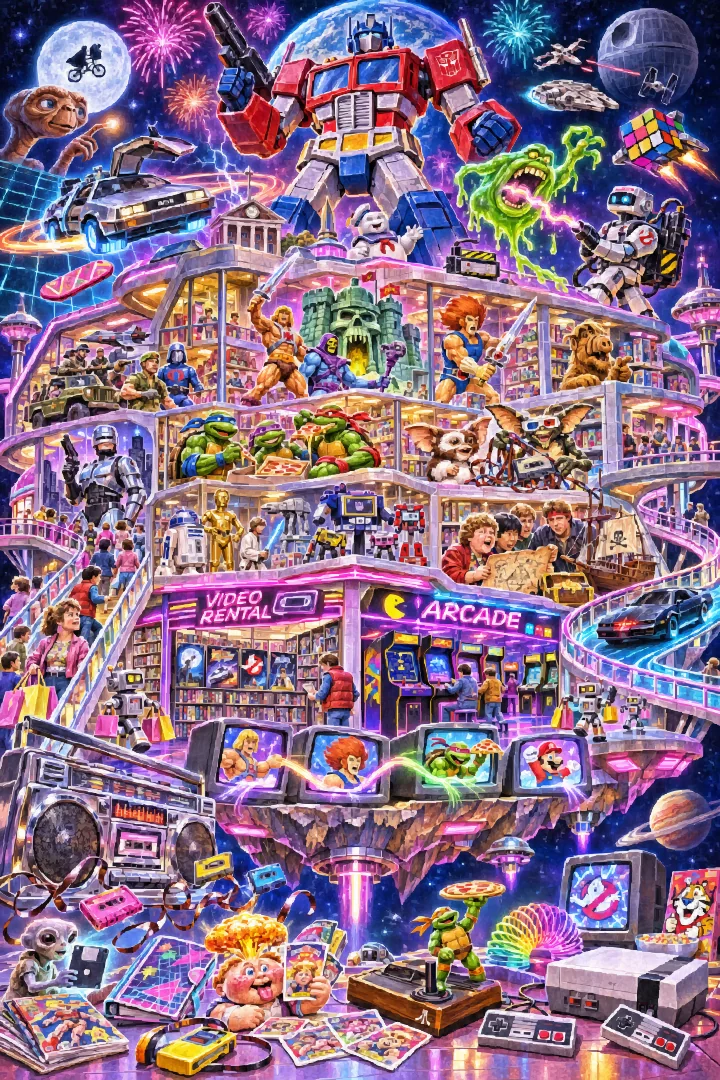
1,024 × 1,536 artboard
Unofficial pop-culture study.
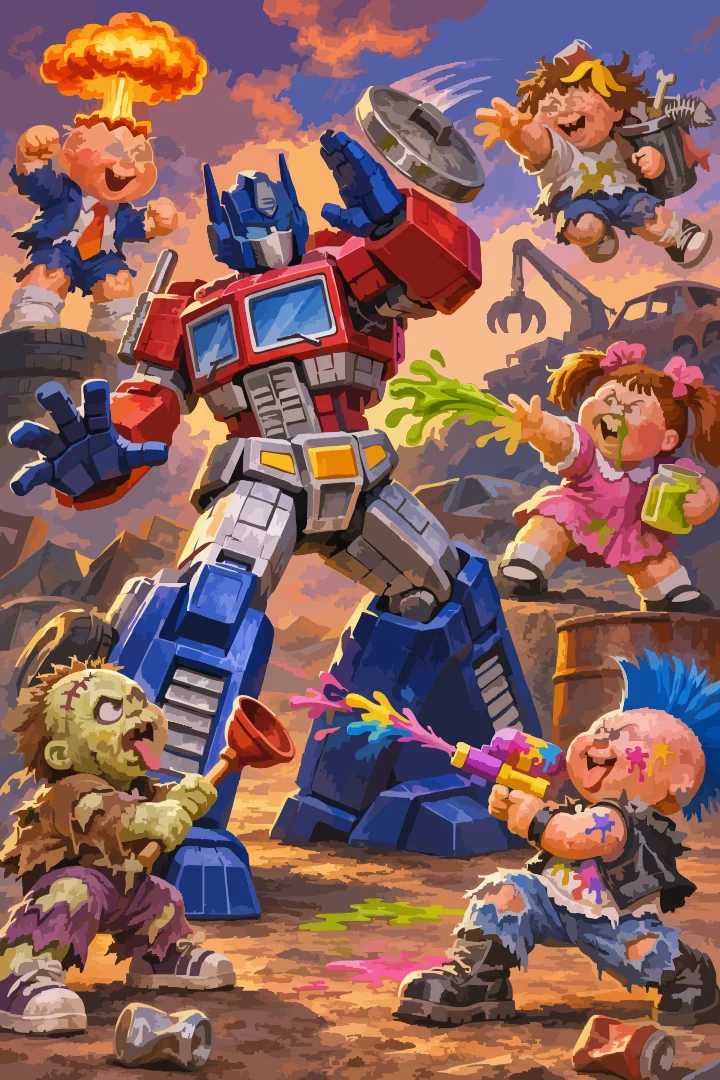
1,024 × 1,536 artboard
Unofficial pop-culture study.
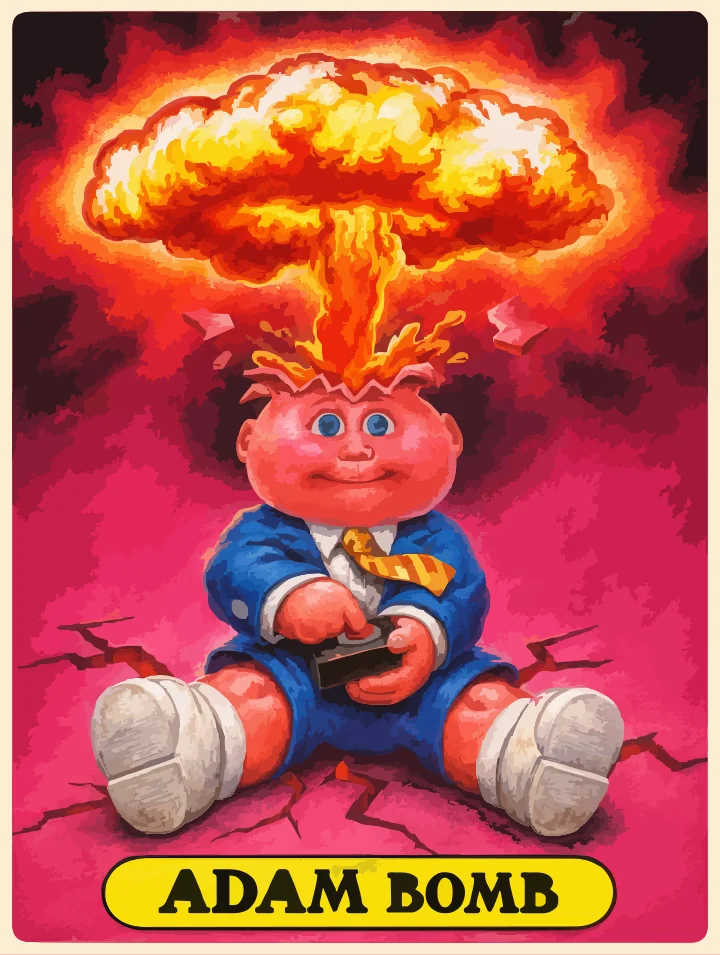
1,089 × 1,444 artboard
Unofficial pop-culture study.
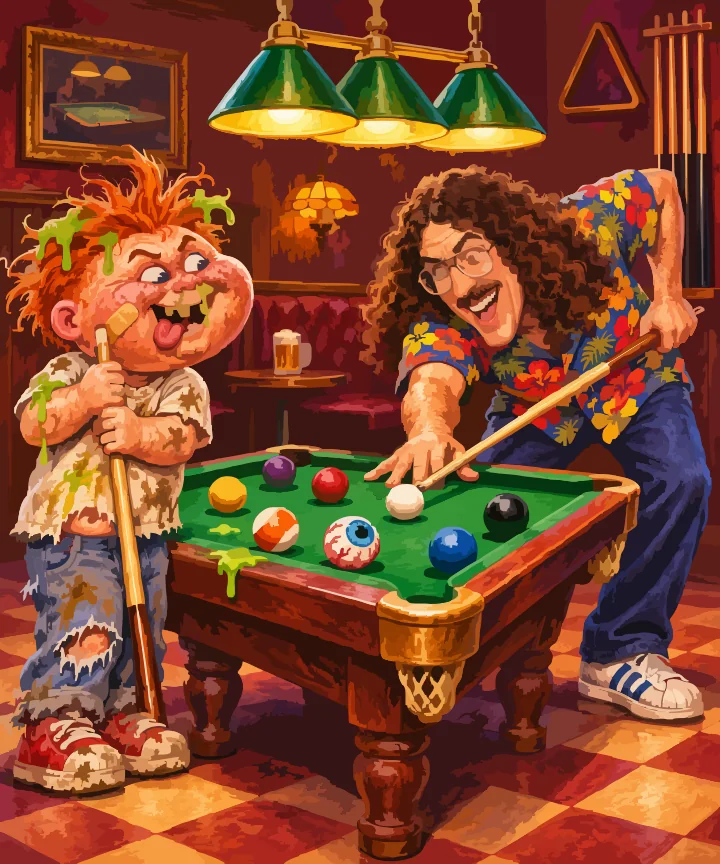
1,145 × 1,374 artboard
Unofficial pop-culture study.
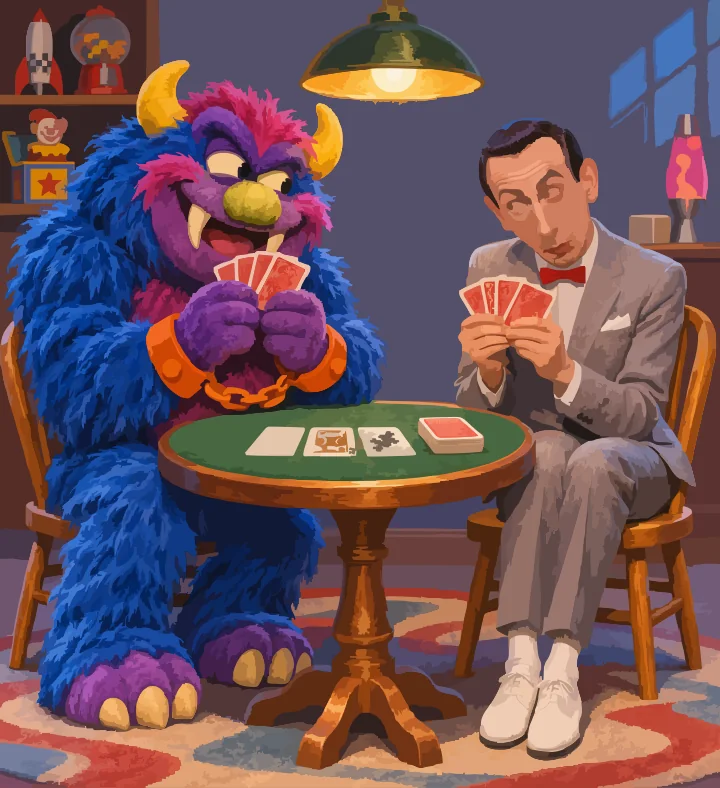
1,199 × 1,312 artboard
Unofficial pop-culture study.
The character studies are development examples, separate from commissioned Topps work. Third-party characters and likenesses remain with their owners; the app’s source-code license does not grant rights to them. View an SVG in Safari or an SVG-capable editor. Magdobe currently opens its own editable .mvector projects.
WHAT YOU CAN MAKE
Draw with pencils, pens, shapes and text. Paint with Round, Tapered Ink and Calligraphy brushes. Adjust curves, colors and outlines.
Bring in an image or generate one with your chosen AI service. Magdobe turns it into colored paths you can select and change.
Move, resize and recolor individual shapes. Organize groups and layers. Hide, lock and reorder parts of the composition.
Save an editable .mvector project. Export SVG for vector workflows, PDF for viewing and printing, or PNG for sharing.
Set the finished size and edge spacing. Use your printer’s color profile to export a CMYK or PDF/X-4 file and review its local report.
The included PressCheck workspace checks supported SVG artwork against your job settings. Make an editable folding-box study with separate cut and fold guides.
Image conversion approximates fine textures with colored shapes. More detail can mean thousands of objects and larger files. Keep a native project as your editable master.
PRINTER SETTINGS, EXPLAINED
Start with your printer’s instructions. Set the finished size, the extra artwork beyond the cut edge (bleed), and space to keep important details away from that edge.
Bring your printer’s color profile—an ICC file that describes the printing condition. Magdobe converts a separate delivery copy to CMYK or PDF/X-4, checks supported file properties and gives you a report. Your editable project stays the master.
An optional assistant can suggest a setup from the instructions you provide. Review the proposed changes before using them, and save printer settings for the next job.
File checks cover supported size, color-profile and vector properties. They are not full independent PDF/X certification or a physical color proof. Packaging studies still need supplier approval and a physical fit check. Read the print-workflow guide.
YOUR CHOICE OF TOOLS
Use an installed, signed-in Codex connection, or add your own key for OpenAI, Google Gemini, OpenRouter or an OpenAI-compatible image service. Claude API or Claude Code can help improve the prompt; you review the suggestion before using it. Claude is not the image generator in this workflow.
Drawing, editing, image conversion, saving and print checks run on your Mac. AI requests send your prompt and selected reference images to the provider you choose. API keys stay in macOS Keychain, scoped to the provider and endpoint.
Provider access, model availability and charges depend on your account. A subscription does not automatically include API credits. Codex and Claude Code are optional, separately installed tools; manual drawing, local image conversion and export work without an AI connection.
MAGDOBE 0.10.0 / FOR MAC
Download the disk image, open it, and drag Magdobe into Applications. Open the app and start a drawing.
Requires macOS 14+ and Apple Silicon. Python, Homebrew and Xcode are not required. The app and disk image are Developer ID signed and Apple-notarized.
It’s open source. Clone it, try it, break it, improve it. Make something.
The Magdobe editor is MIT-licensed. Separate bundled tools keep their own open-source licenses, included with the app. Build from source if you want to work on the code.
General SVG/Illustrator import is not included. Actual Illustrator open/edit compatibility, press color and manufacturing approval have not been verified. Find setup help on Support and see how files and AI requests are handled in the Privacy Policy.